
Kingjim Pomera DM 250 Digital Typewriter Review
By Leave a Comment
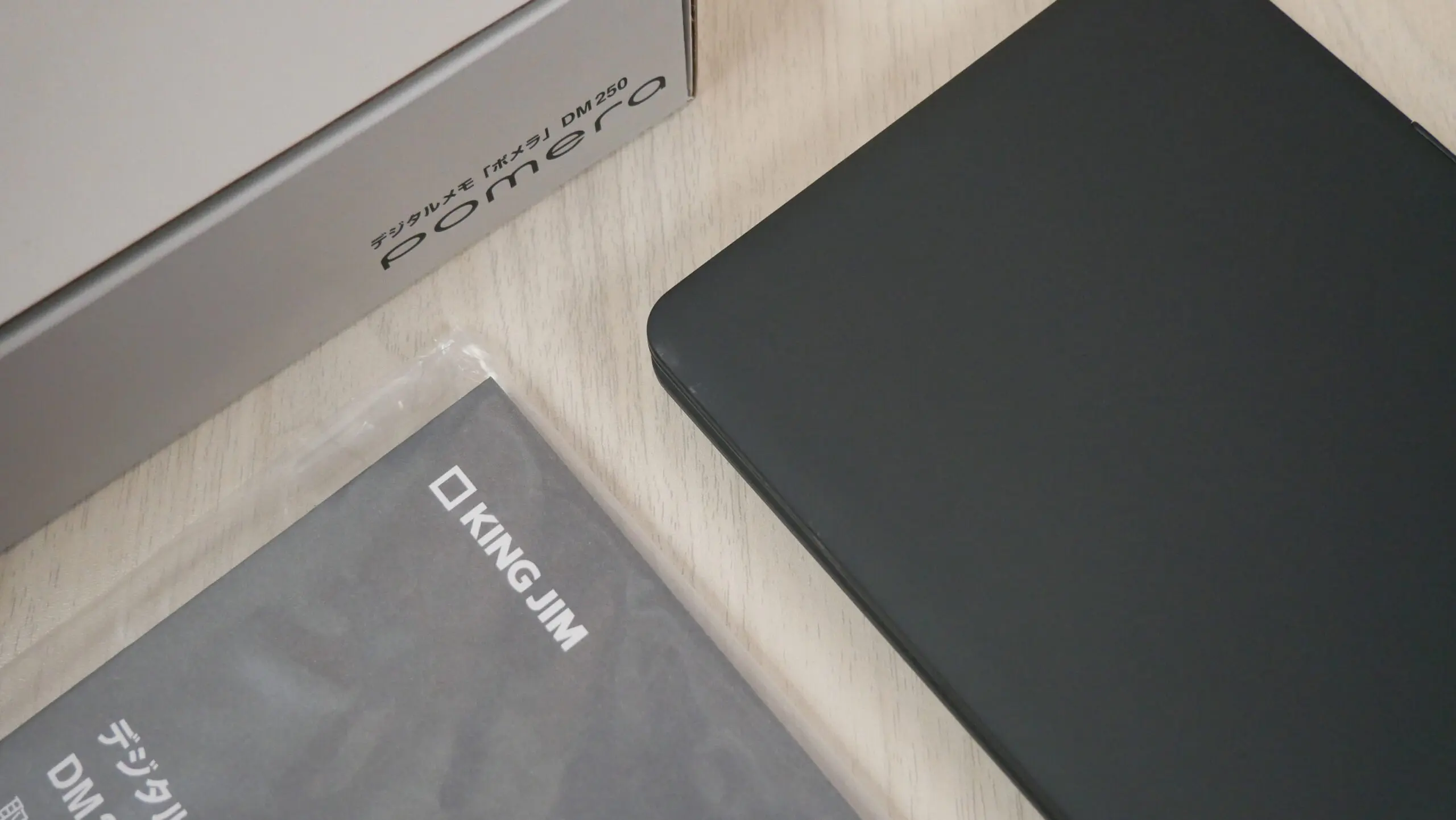

Kingjim has just released a brand new digital memo pad, which is in essence a digital typewriter with an LCD screen. Previous generations used an E INK screen, but this one is really low powered. This is extremally portable and can easily be thrown in your bag or backpack and will not take up very much room. Why should you buy it? The main selling point is distraction free, there are no notifications or emails, it is designed purely for writing. It is primarily made and sold in Japan, but it does have an English keyboard and a full user interface that is also in English. The overall color scheme is dark grey, but the company did a 250 unit limited edition in snow white, which actually sounds amazing, but there aren’t any pictures of it anywhere.
Hardware and Software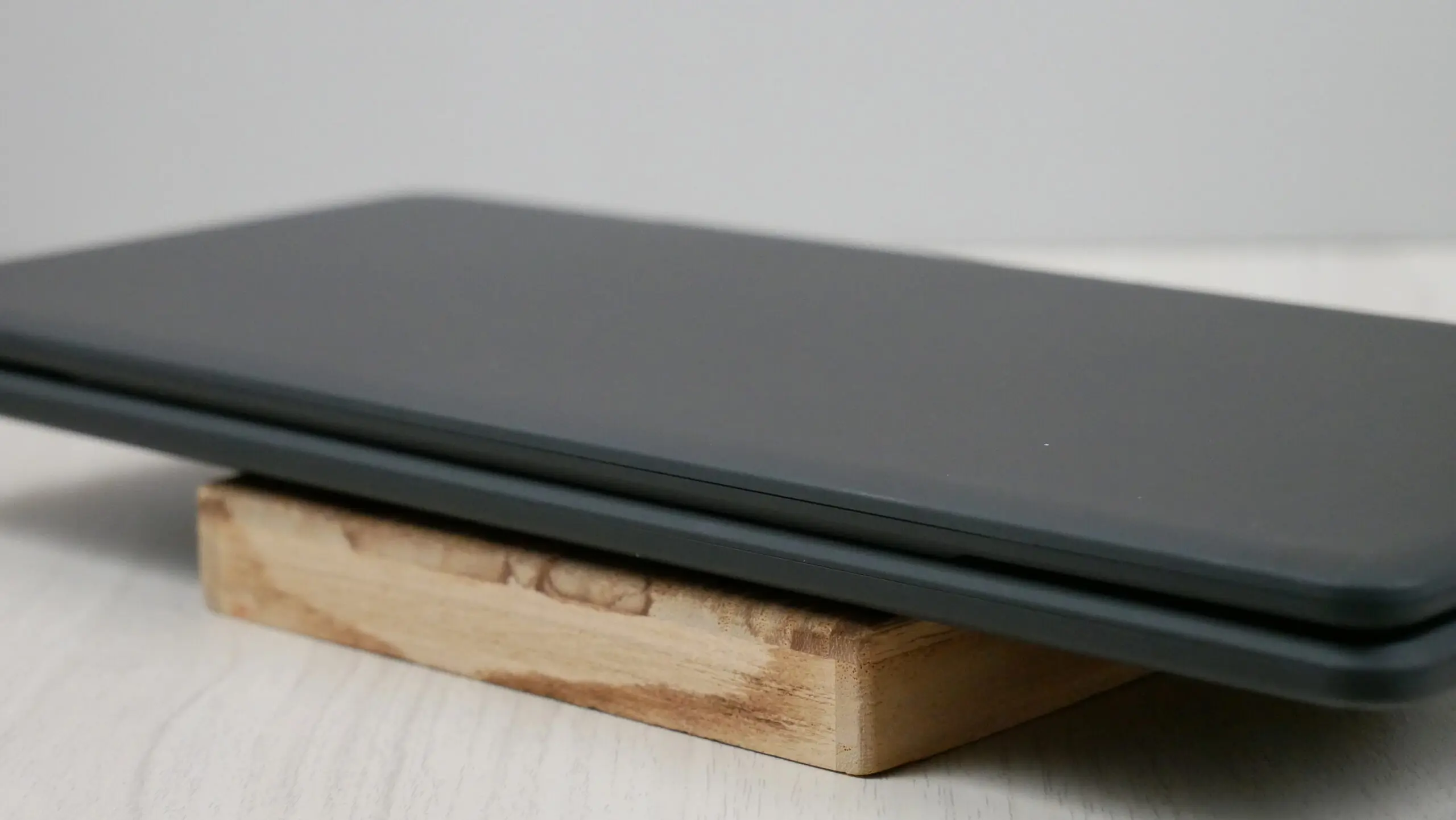
Pomera has been making these kinds of digital typewriters since 2008 and they have a storied history in this sector. The DM250 replaces the DM 200 that came out in 2016 and has been very popular, thanks to the E INK screen. The old model had a collapsible design, it folded the keyboard into the screen, making it very cumbersome. The Pomera DM 250 has a 7-inch TFT LCD screen with a resolution of 1024×600 and has a full color display. It has a nice compact size and can fold inwards to carry it around and then outwards via the hinge system. This makes it extremally portable, and fits easily in a purse, message bag, backpack or briefcase. Typing on the keyboard is a pure joy thanks to the key pitch of 0.6 inches and the JIS Layout. The keyboard is made of silicone.
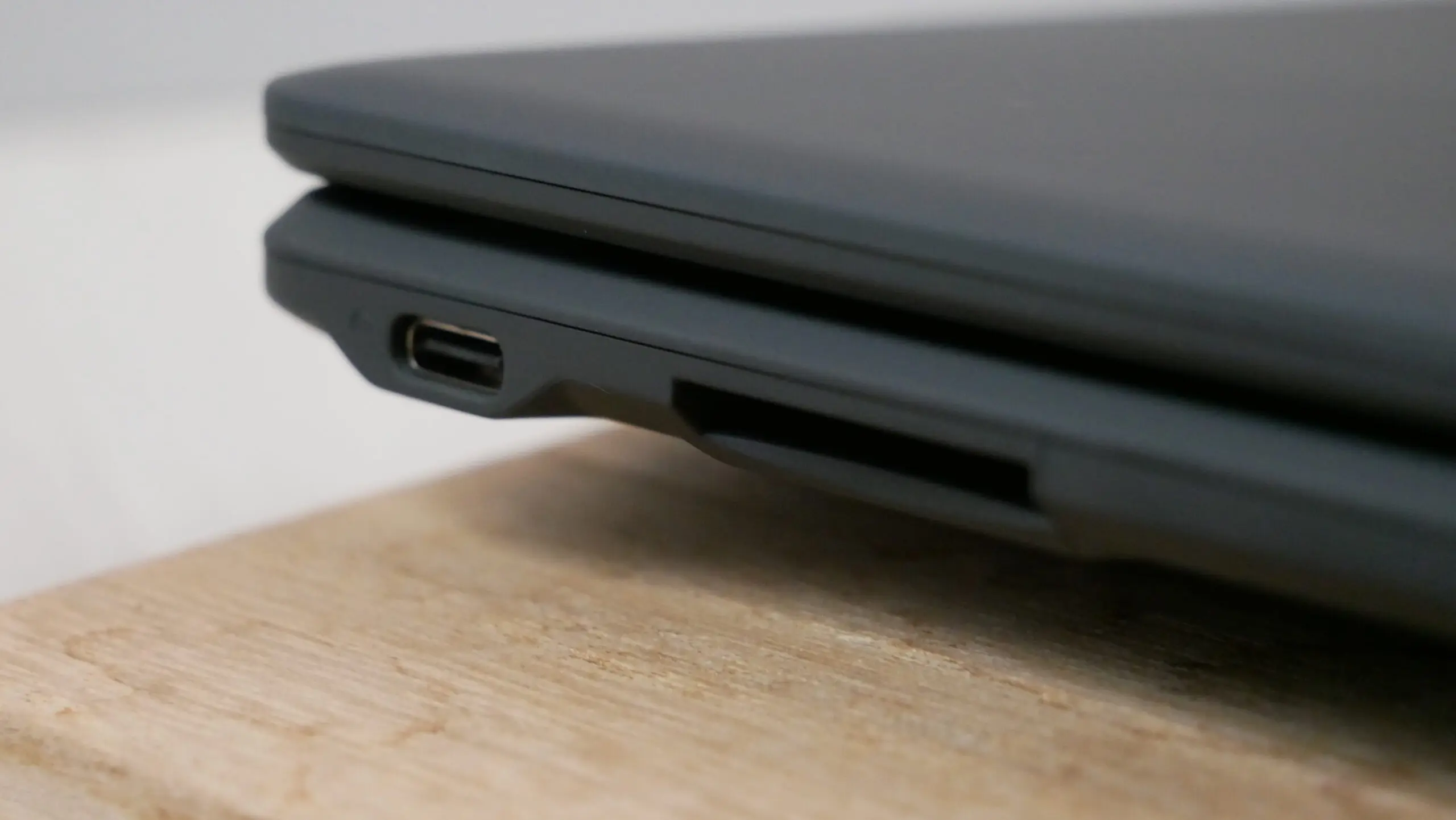
There is 1.3 GB of internal storage and your novels, screen plays or train of thought can be backed up via cloud storage, which holds an additional 1.3 GB of files. However, if you write like the wind and need even more storage, there is an SD card slot, that is capable of 32GB. You can transfer documents to and from the Pomera with the USB-C port. This is the first time that any Pomera branded typewriter has had a modern port like this.
There is WIFI chip but it doesn’t have internet access, so you won’t be able to surf the internet or access cloud storage solutions, other than the Pomera Cloud. If you use the dedicated app pomera Link, you can connect Pomera and your smartphone via Wi-Fi and send plain text files to each other. It can even generate a QR code and you can simply access the files on any phone that has a QR app. There is one trick left, you can email the txt file to an email address and that is the extent of the mailing system and then the WIFI shuts off once the doc has been attached and sent.
The overall color scheme is dark grey, but the company did a 250 unit limited edition in snow white, which actually sounds amazing, but there aren’t any pictures of it anywhere.
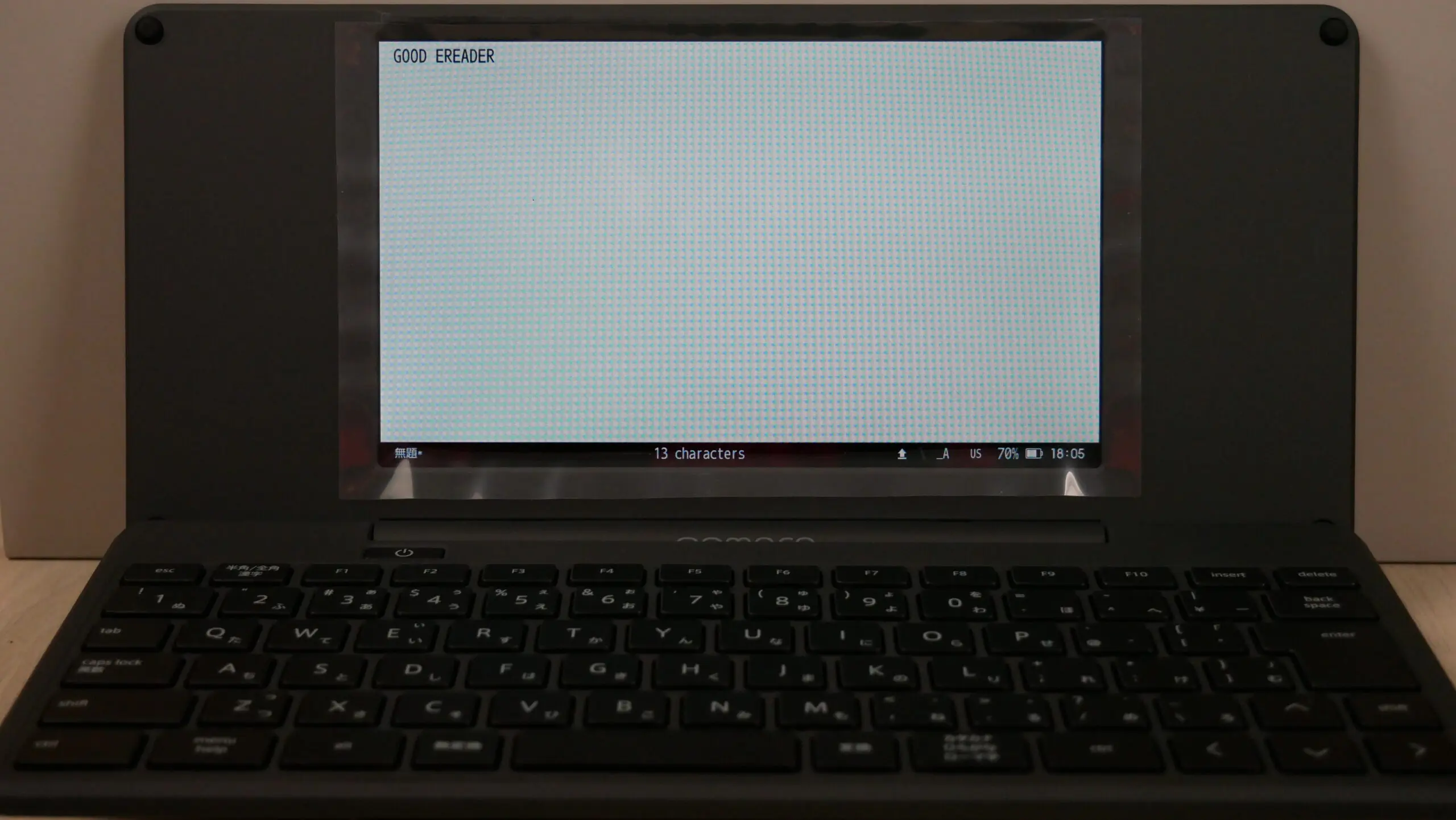
The main UI of the 250 has File, Edit, Find/Insert, Word List, Tools, View, Type and settings. File is basically where you can save existing documents, open existing ones and view the properties. Edit has undo, redo, cut, copy, paste, delete or select all. Find, allows you to find specific text in a document, replace words with another, access background templates, or add a time stamp. Word List is where you access synonyms or the English/Japanese dictionaries. Tools is where you can generate a QR code for your current and open document, view a calendar, adjust the style of the font, attach an external Bluetooth Keyboard for typing and pair to a smartphone. View has a couple of notable settings such as muting the color display and making it monochrome. Settings is where you can make a device password, so you can add an extra layer of security. You can adjust the backlight brightness levels and change the language from Japanese to English.
Pomera does not support mice, so all operations must be done with the keyboard. If you attach a wireless Bluetooth Keyboard or use a USB-C one, it is important to note that many of the function keys that the Pomera 250 uses won’t work. So using an external keyboard is going to be used for writing and not navigation.
When you press the “menu key” at the position corresponding to the Windows key on a PC, the menu is displayed at the top of the screen. From there, use the cursor keys to move items, and press the “enter key” to select. (“alt + F” for file menu, etc.), “ctrl + S” to overwrite, “ctrl + C” to copy, “ctrl + V” to paste, etc. Almost all shortcuts that use function keys can be remapped . Once you get used to it, it’s reassuring to be able to customize it for efficient operation according to your usage and preferences. The thesaurus can be called up with the “alt + F7” key, probably because it is often used. I won’t go into all of the short codes, but they can be accesses and remapped in the settings menu.
Wrap Up
This latest generation of the Pomera 250 is primarily competing against the Freewrite Traveler. The Freewrite model is about the same price, but it uses an E INK screen, supports 24 languages for the keyboard and has mechanical keys. It can also store your documents on major cloud storage service providers, such as Evernote, Dropbox or Google Drive. The Pomera has a larger screen, and has a smaller footprint than the Traveler, it also weighs less. It is dependent on having a smartphone with Japanese apps. Emailing yourself documents is also really useful.
电子纸行业网版权所有,转载请注明出处:https://www.e-paper.org.cn/?p=4534